Key Takeaways
- Right-sizing EC2 instances saved 40% on compute costs
- Multi-AZ deployments are non-negotiable for production
- S3 lifecycle policies reduced storage costs by 60%
- CloudWatch alarms with proper thresholds prevent 3am incidents
Introduction
After 3 years of building and maintaining production systems on AWS, I've learned lessons that no documentation or certification can teach. This post covers the real-world patterns and expensive mistakes.
Why This Matters
Cloud architecture decisions made early compound over time. A poorly designed VPC or an unoptimized instance type can cost thousands per month at scale.
Architecture Pattern: The Production-Ready Stack
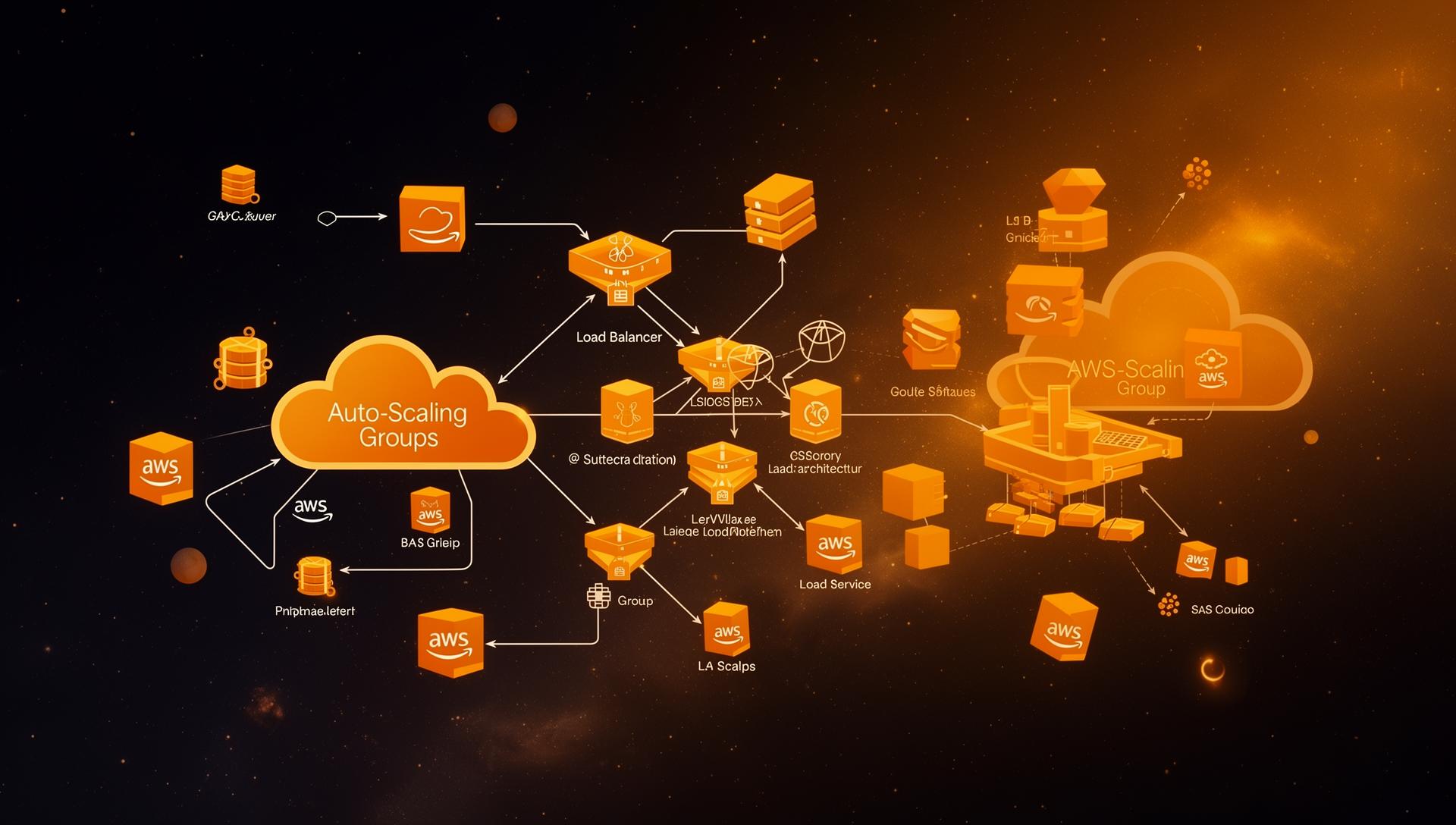
Route 53 → CloudFront → ALB → ECS Fargate
                                    ↓
                              RDS Multi-AZ
                                    ↓
                              ElastiCache
Cost Optimization Strategies
1. Right-Size Everything
We were running t3.xlarge instances when t3.medium would have sufficed. Right-sizing saved 40% on compute.
2. S3 Lifecycle Policies
{
  "Rules": [
    {
      "Status": "Enabled",
      "Transitions": [
        { "Days": 30, "StorageClass": "STANDARD_IA" },
        { "Days": 90, "StorageClass": "GLACIER" }
      ]
    }
  ]
}
3. Reserved Instances for Predictable Workloads
For databases and always-on services, 1-year reserved instances save 30–40% vs on-demand.
Key Lessons
- Design for failure: Everything fails, design your architecture to handle it
- Automate everything: Infrastructure as Code (Terraform/CDK) prevents configuration drift
- Monitor costs weekly: Set up AWS Budgets and Cost Explorer alerts
- Start simple: You probably don't need microservices on day one
Cloud architecture is about trade-offs. Understand your requirements before choosing patterns.
💡 Strategic Insight
This isn't just technical knowledge, it's the kind of engineering thinking that separates production systems from toy projects. Apply these patterns to reduce costs, improve reliability, and ship faster.
Frequently Asked Questions
Start with right-sizing instances, use Reserved Instances for predictable workloads, implement S3 lifecycle policies, and use Spot Instances for fault-tolerant batch processing.
ALB + ECS Fargate (or EC2 Auto Scaling) + RDS Multi-AZ + CloudFront + Route 53. Add ElastiCache and SQS as you scale.
Tagged with
TL;DR
- Right-sizing EC2 instances saved 40% on compute costs
- Multi-AZ deployments are non-negotiable for production
- S3 lifecycle policies reduced storage costs by 60%
- CloudWatch alarms with proper thresholds prevent 3am incidents
Need help implementing this?
I help teams architect scalable systems, build AI-powered applications, and ship production-ready software.

Written by
Gaurav Garg
Full Stack & AI Developer · Building scalable systems
I write engineering breakdowns of major tech events, architecture deep dives, and practical guides based on real production experience. Every post is built from code, not theory.
7+
Articles
5+
Yrs Exp.
500+
Readers
Get tech breakdowns before everyone else
Engineering insights on AI, cloud, and modern architecture, delivered when it matters. No spam.
Join 500+ engineers. Unsubscribe anytime.